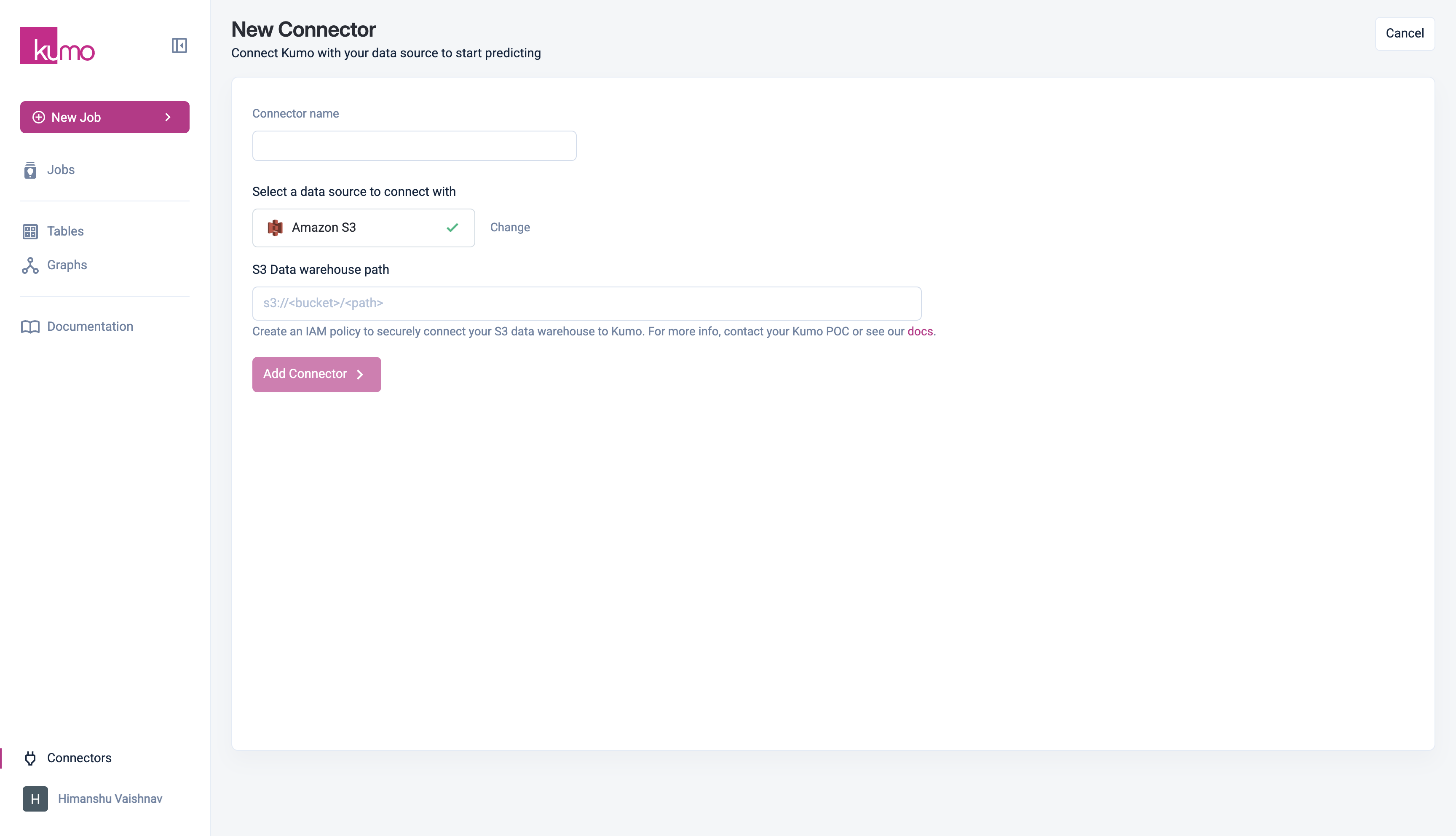
Kumo supports reading CSV and Apache Parquet files from AWS S3. The connector is configured to read from a specific top-level directory, which can contain either files or second-level directories. Each file or second-level directory represents a single table in Kumo.
Directory Configuration
- If the top-level directory contains files, Kumo will ignore any subdirectories and ingest only the files as tables.
- If the top-level directory contains subdirectories, each second-level directory will be treated as a separate table, subject to the following rules:
- All files within a subdirectory must be of the same type (either CSV or Parquet).
- All files must share the same column schema (for CSV, this means identical headers).
- Subdirectories must not contain additional nested directories—only CSV or Parquet files are allowed.
- The resulting table will combine all rows from all files in the subdirectory.
- Ensure your S3 bucket name does not contain dots (
.) to comply with AWS virtual-hosted style URL requirements.
Example Storage Structure
Here’s an example of a second-level storage structure for reference:
|-- Root directory
  |-- Table 1
    |-- File 1 (CSV or Parquet)
    |-- File 2 (CSV or Parquet)
    |-- ...
  |-- Table 2
    |-- File 1 (CSV or Parquet)
    |-- File 2 (CSV or Parquet)
    |-- ...
  |-- ...
For optimal performance, please limit the number of tables from the root directory to 30.
Parquet Files
- Ensure columns are cast to their proper data types (e.g., timestamp for dates) to streamline data ingestion and validation.
- Hive partitioned tables are not supported.
- The data size per partition must not exceed 512MB.
CSV Files
- A CSV table can have up to 128 partitions.
- The total data size across all partitions must not exceed 10GB.
Converting your dataset to Parquet is recommended whenever your dataset is large.
Granting Access
To allow Kumo to access your data, update your S3 bucket policy by replacing:
<data bucket name> with your actual S3 bucket name.{% $customerId %} with your company name.
{
  "Version": "2012-10-17",
  "Statement": [
    {
      "Effect": "Allow",
      "Principal": {
        "AWS": "arn:aws:iam::926922431314:role/kumo-{% $customerId %}-external-shared-iam-role"
        },
      "Action": [
        "s3:GetObject",
        "s3:PutObject",
        "s3:ListBucket"
      ],
      "Resource": [
        "arn:aws:s3:::<data bucket name>/*",
        "arn:aws:s3:::<data bucket name>"
      ]
    }
  ]
}
Data Sharing Steps - Updating KMS Key Policy
To allow an External IAM role from an external account to access an S3 bucket that’s encrypted with a KMS key in a different account, you need to update the KMS key policy:
- Locate the KMS Key Policy attached to the s3 bucket in the account where the KMS key is defined.
- Append the following statement to the existing KMS Key Policy to grant access to the
kumo-{% $customerId %}-external-shared-iam-role.
Important: Do not remove existing access permissions for the account root. Doing so may result in the loss of administrative access to the KMS key.
{
  "Version": "2012-10-17",
  "Statement": [
    {
      "Sid": "AllowExternalRoleToUseKey",
      "Effect": "Allow",
      "Principal": {
       "AWS": "arn:aws:iam::926922431314:role/kumo-{% $customerId %}-external-shared-iam-role"
      },
      "Action": [
        "kms:Decrypt",
        "kms:GenerateDataKey"
      ],
      "Resource": "*"
    }
kumo-{% $customerId %}-external-shared-iam-role. 